Domain Forwarding fo...
Domain Forwarding for Small Businesses Explained
Domain Forwarding for Small Businesses Explained
A customer types an older web address from a business card, follows a link from a past campaign, or enters a common misspelling of your name. If that address leads nowhere, the customer may assume your business is no longer active. Domain forwarding for small businesses prevents that avoidable loss by directing visitors from one domain name to the correct website.
For a small business, forwarding is not just a technical setting. It protects marketing investments, preserves customer access during a website change, and gives your brand room to grow without forcing people to remember a new address overnight. Used carefully, it is a simple way to keep every legitimate path to your company open.
What domain forwarding does
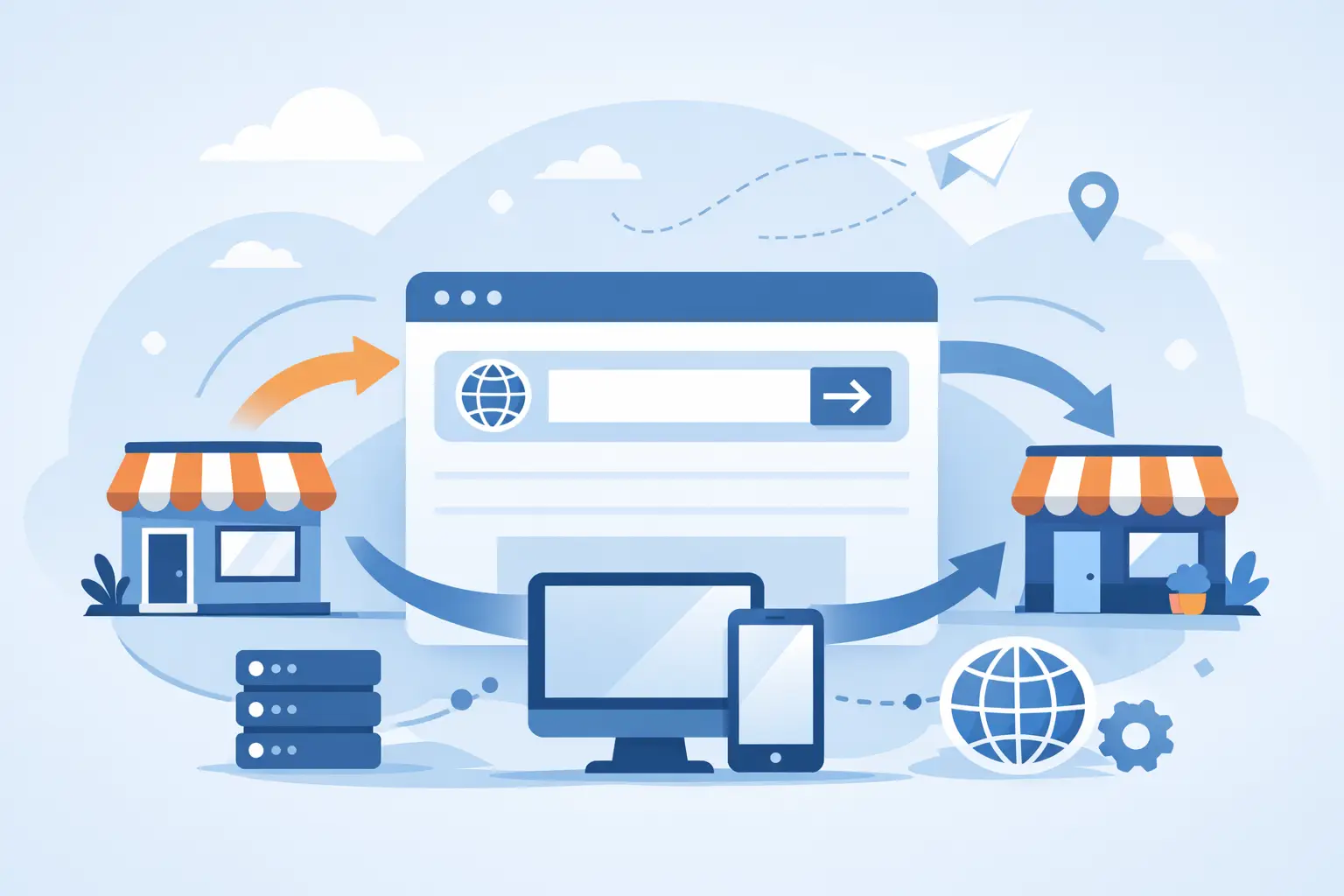
Domain forwarding sends someone who visits one domain to a different destination URL. For example, a company may own both `northstarplumbing.com` and `northstarplumber.com`. The first can remain the primary address, while the second forwards visitors to it.
The visitor does not need to take another action. Their browser is redirected to the destination page, ideally with the same secure experience they would have received by visiting the primary domain directly. The forwarding domain does not need its own separate website, hosting plan, or duplicate pages to perform this job.
This differs from DNS management, although the two are often discussed together. DNS records tell internet services where to find a website or email service. Domain forwarding is a redirect instruction that sends web visitors to a chosen address. Changing a domain’s DNS can affect website availability and business email. Setting up forwarding should be handled with the same care, but it serves a more focused purpose.
When domain forwarding for small businesses makes sense
Forwarding is especially useful when a business has changed its name, moved to a new domain, or consolidated separate product sites under one primary website. It is also useful for domains purchased to protect a brand, including singular and plural versions, obvious spelling variations, and alternate extensions.
A local service company may use a short, easy-to-say domain in radio advertising and forward it to a detailed service page on its main site. An ecommerce seller might use a campaign-specific domain for a seasonal promotion, forwarding visitors directly to the relevant product collection. A professional firm that acquires another practice can forward the acquired firm’s domain so existing clients can still find the new organization.
The right approach depends on the situation. Buying every imaginable variation is rarely necessary, particularly for a business with a distinctive name and limited marketing budget. Start with the domains customers are most likely to enter, domains used in existing materials, and versions that could cause confusion if someone else registered them.
Preserve traffic after a domain change
A domain change is one of the clearest reasons to use forwarding. Perhaps your original name was too narrow for your expanded services, or you have adopted a more memorable brand. The old domain may appear in printed brochures, invoices, social profiles, directories, bookmarks, and other websites for years.
Forward the former domain to the new site before publicly announcing the change. Better yet, map major old pages to their closest new equivalents where your domain tools and website setup support that level of control. Someone looking for a specific service should arrive at that service page, not be dropped onto the home page and asked to search again.
For a permanent move, a 301 redirect is generally the appropriate choice. It signals that the previous page or domain has moved permanently and helps search engines understand the relationship over time. Temporary redirects are better reserved for short campaigns, maintenance situations, or limited-time destinations. The precise options available can vary by domain registrar, hosting setup, and website platform.
Make marketing easier to measure and remember
Short, dedicated domains can make offline marketing more practical. A memorable address on a vehicle wrap, event sign, postcard, or podcast ad is easier to read and repeat than a long page address. Forward that domain to a landing page created for the campaign.
This also makes performance clearer. If the destination URL includes campaign tracking parameters, your website analytics can identify visitors arriving from that printed or spoken address. Keep the destination specific. A domain promoted for emergency repair service should forward to emergency repair information, not a general About page.
Avoid creating a separate forwarding domain for every small promotion. Too many addresses become difficult to renew, document, and manage. Use them when a campaign is important enough to justify a distinct, memorable call to action.
Choose the right forwarding method
Most businesses need standard URL forwarding, sometimes called a redirect. The browser displays the destination address after forwarding. This is usually the best option because visitors can see where they are, share the correct URL, and continue navigating normally.
Some providers also offer masked forwarding, where the original domain remains visible in the browser while content from another site is displayed. It can sound appealing, but it often creates problems with page sharing, analytics, browser security expectations, and mobile behavior. It may also interfere with forms, shopping carts, logins, and search visibility. For most business websites, standard forwarding is the safer choice.
Secure forwarding matters as well. If customers enter an HTTPS address, the forwarding process should not produce certificate warnings or a browser message that makes the site look unsafe. Confirm that the forwarding service supports secure redirects and test both the `www` and non-`www` versions of the forwarding domain.
Set up forwarding without disrupting your business
Before changing anything, write down the domain being forwarded, its intended destination, why it exists, and who is responsible for renewing it. This simple record prevents a common problem: a useful domain expires because no one remembers that it supports a campaign, legacy email address, or former company name.
Next, confirm that the destination is live, secure, and correct on desktop and mobile devices. Then configure the redirect through the domain management account or hosting control panel. If you are forwarding a domain that currently hosts a website, do not replace its settings until you have confirmed whether any active pages, email accounts, or subdomains still depend on it.
After setup, test the domain in a private browser window. Check the version with `www`, the version without it, and any specific path you expect customers to use. Test from a phone as well. Redirects are often straightforward, but an accidental loop, missing secure configuration, or typo in the destination can send customers to an error page.
If the old domain receives business email, forwarding the website does not automatically forward email messages. Email requires its own mailbox, forwarding rule, or migration plan. Keep the domain’s MX records and email service in mind before making DNS changes. This is one area where experienced support can save a business from missed inquiries or interrupted communication.
Common mistakes that cost visits
The most damaging mistake is forwarding every domain to a generic home page. It may be acceptable for a simple brand-protection domain, but it is not ideal for a retired service page, old product link, or campaign URL. Send visitors to the closest useful content whenever possible.
Another mistake is using forwarding as a substitute for a real website. A forwarding domain can direct traffic, but it cannot provide original service information, establish its own search presence, or replace a well-maintained primary site. Keep one authoritative business website with current content, working forms, SSL protection, and reliable hosting.
Businesses also lose value by neglecting renewals. A domain may be inexpensive compared with the cost of a lost lead, brand confusion, or a rushed attempt to recover an expired name. Enable renewal notices, keep payment information current, and review your domain portfolio at least once a year.
Finally, do not forward domains to pages that no longer match the promise made in advertising. If a flyer says “Schedule a consultation,” the forwarded address should lead to consultation information or a scheduling page. Consistency builds trust before a visitor ever calls or completes a form.
Keep domains, hosting, and support aligned
Managing domains alongside hosting, DNS, SSL certificates, email, and backups gives a business a clearer view of its online presence. It also reduces the chance that different vendors and forgotten credentials turn a routine update into downtime. Knight Web Services provides domain management and forwarding alongside managed cloud hosting, helping businesses keep these essential services organized under experienced support.
Forwarding works best when it is treated as part of an ongoing domain plan, not a one-time setting. Review it after a rebrand, website redesign, acquisition, or major campaign. A customer should never have to know which web address came first. They only need to reach a secure, current page that helps them do business with you.
There Is 1 Comment
Managed DNS Versus Registrar DNS Explained – Knight Web Services Inc. on 13 Sep, 2026
[…] DNS confidently when your needs include a standard website connection, basic email records, domain forwarding, and common verification records. It is particularly practical for newer sites that do not have […]