Shared Hosting Secur...
Shared Hosting Security for Business Websites
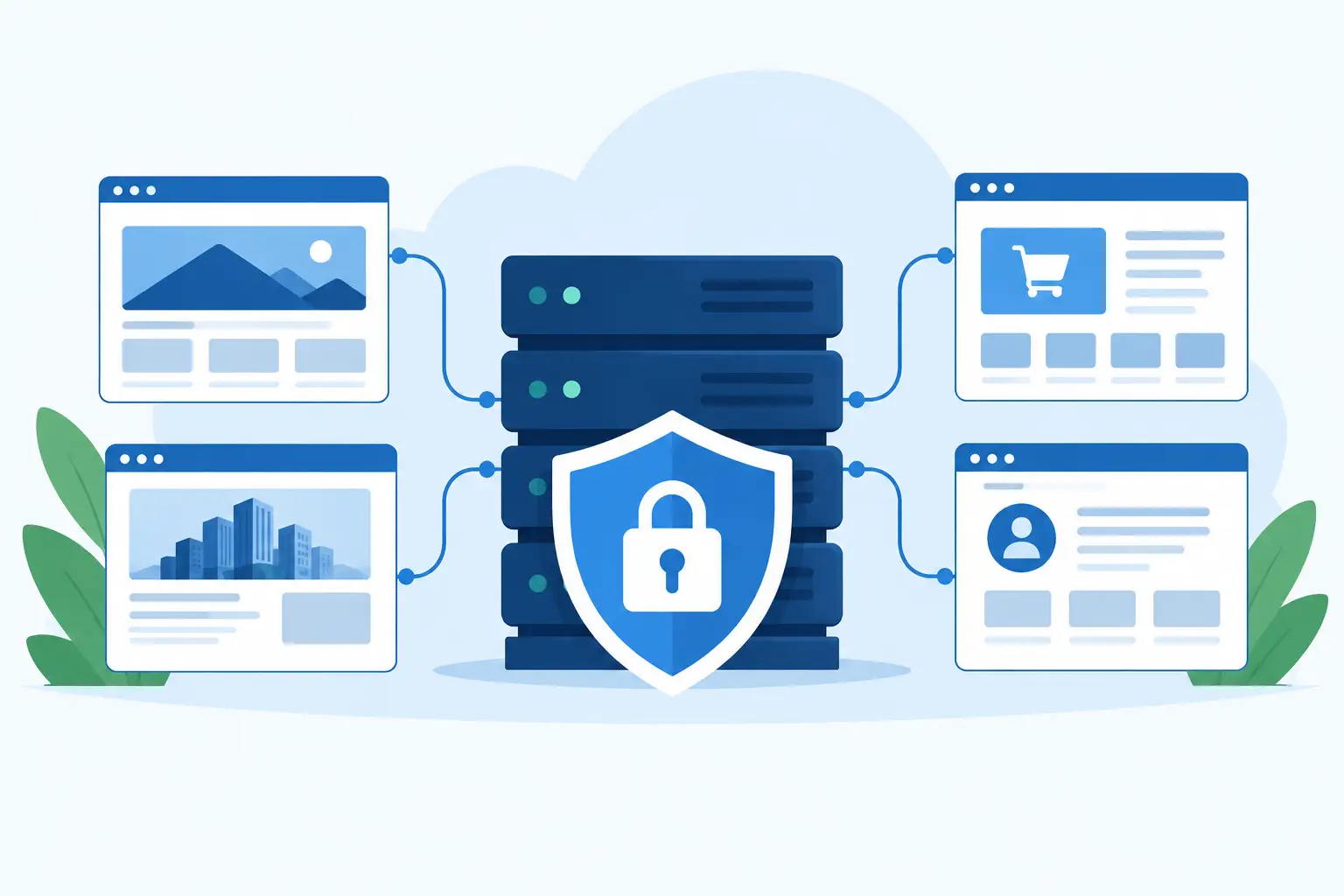
Shared Hosting Security for Business Websites
A website can appear to be working perfectly right up until a compromised plugin, stolen password, or server issue interrupts sales, email, and customer access. Shared hosting security is the set of protections that helps prevent those disruptions and gives your business a clear path to recovery if something goes wrong.
For many small and midsize businesses, shared hosting is the practical choice. It keeps costs predictable while providing the storage, email, databases, and control-panel tools needed to run a professional online presence. The key is choosing a provider that treats security as part of the hosting service, not as an extra task left entirely to the site owner.
How Shared Hosting Security Works
In a shared hosting environment, multiple customer accounts operate on the same physical server or cloud infrastructure. That does not mean one customer should be able to view, modify, or affect another customer’s site. Well-managed hosting uses account isolation to separate users, files, processes, and permissions.
Account isolation is one of the most meaningful protections in shared hosting. If a neighboring account has an outdated application or is targeted by malware, proper isolation limits the chance that the incident can spread into your account. It is a practical safeguard for businesses that need the affordability of shared resources without accepting unnecessary exposure to other customers.
Security also operates at more than one level. Your hosting provider is responsible for maintaining the server environment, monitoring for threats, applying infrastructure updates, and protecting network access. Your business remains responsible for the website software, user accounts, and content installed within your hosting account. Reliable protection depends on both sides doing their part.
Security Protections Your Hosting Provider Should Manage
A hosting plan should include clear server-level safeguards, rather than vague claims that a platform is simply “secure.” Ask what protections are actively managed and how the provider handles backups, suspicious activity, and support requests.
Account Isolation and Access Controls
A secure shared environment limits each account to its own allocated space. This helps keep file access, application processes, and databases separated between customers. It is especially relevant for ecommerce stores, professional firms, and organizations that collect contact information through online forms.
Within your own account, the control panel should let you manage users and permissions carefully. Not everyone who edits a site needs full access to domains, databases, billing, or email settings. Separate access for employees, developers, and agencies reduces the damage that can result from an accidental change or compromised login.
Server Maintenance and Threat Monitoring
Web servers, operating systems, PHP versions, databases, and control-panel software require regular maintenance. Delayed updates can leave known weaknesses available to attackers. A managed hosting provider should maintain the underlying environment and use server-level security protection to identify suspicious behavior before it becomes a wider problem.
Threat monitoring is not a promise that no attack will ever occur. Websites are public-facing by design, and attackers routinely test login pages, forms, and outdated software. Monitoring can detect unusual patterns, block common attack attempts, and alert technical teams to activity that needs investigation. The value is faster detection and a more prepared response.
Daily Backups That Can Be Restored
Backups are a security feature because they preserve a clean recovery point. If malware alters files, an update breaks a site, or someone accidentally deletes data, a recent backup can reduce downtime and prevent a minor incident from turning into a business interruption.
Daily backups are useful only when restoration is practical. Confirm how often backups run, how long they are retained, what account data they include, and whether support can assist with recovery. Databases, website files, and email can have different backup needs, so businesses that rely heavily on online orders or email should ask specific questions.
SSL, Email, and DNS Protection
An SSL certificate encrypts data between your website and its visitors. For online stores, login pages, contact forms, and any site that collects customer details, SSL is a baseline requirement. It also reassures visitors that they are connecting to the intended website rather than an unprotected version of it.
Email and domain settings deserve the same attention. A compromised email mailbox can expose invoices, customer conversations, password reset messages, and sensitive documents. Strong mailbox passwords, controlled access, and secure DNS management help protect the services your business depends on beyond the website itself.
What Your Business Must Still Do
Even excellent hosting protection cannot compensate for an unmaintained website. The most common weaknesses often begin inside the account: old WordPress plugins, reused passwords, unnecessary administrator accounts, or software installed years ago and forgotten.
Keep your content management system, themes, plugins, and extensions current. Before major updates, verify that a backup is available and test changes when possible. Remove plugins and applications you no longer use. Every installed component is another piece of software that may eventually need attention.
Use unique, long passwords for hosting, email, domain management, and website administrator accounts. Enable multi-factor authentication whenever it is available. If an employee or outside developer no longer needs access, remove the account instead of changing a shared password and hoping it is no longer saved elsewhere.
Be cautious with administrative permissions. An ecommerce manager may need access to orders but not to server settings. A designer may need content access but not customer exports. Giving each user only the access required for their role is a simple way to limit risk.
How to Compare Shared Hosting Security
When comparing hosting plans, security language can sound similar from one provider to another. Look past the label and evaluate the operational details. A dependable provider should be able to explain what is included and who is available when you need help.
Consider these five points when reviewing a shared hosting service:
- Account isolation that separates customer sites and processes in the shared environment.
- Server-level security protection and ongoing maintenance of the hosting platform.
- Daily backups with defined retention and a workable restoration process.
- SSL certificate availability, secure email options, and managed DNS tools.
- 24/7 live support that can help when an issue affects website availability or email.
Security should also fit the applications your business uses. A WordPress site may require current PHP support and careful plugin management. A Windows or .NET application may depend on specific IIS, MS SQL, or framework settings. Ecommerce sites need particular care around payment integrations, customer accounts, order data, and uptime during high-traffic periods.
When Shared Hosting Is the Right Fit
Shared hosting can be a secure, sensible option for business websites when it is professionally managed and paired with sensible account practices. It works well for company websites, blogs, WordPress sites, online stores with appropriate resource needs, and agencies managing smaller client projects.
There are situations where a different environment may be appropriate. A site processing unusually high transaction volumes, handling highly regulated data, requiring custom server configurations, or experiencing sustained traffic spikes may need a virtual private server, dedicated resources, or a specialized compliance-focused platform. That is not a failure of shared hosting. It is a matter of matching the hosting environment to the business risk and workload.
For most businesses, the right question is not whether shared hosting is inherently safe or unsafe. The better question is whether the provider offers meaningful isolation, active server management, backups, responsive support, and the tools needed to keep your own website maintained.
Make Recovery Part of Your Security Plan
Security planning should include the moment after an incident, not just the effort to prevent one. Know who can contact hosting support, where your domain and DNS credentials are stored, which users have administrator access, and how your business would communicate with customers if the website or email were temporarily unavailable.
Knight Web Services combines managed cloud hosting protections, daily backups, account isolation, SSL, and live support so businesses can focus on serving customers rather than managing server infrastructure. Before your next renewal or website launch, take time to confirm that your hosting security plan protects the systems your business cannot afford to lose.