Website Disaster Rec...
Website Disaster Recovery Planning Guide
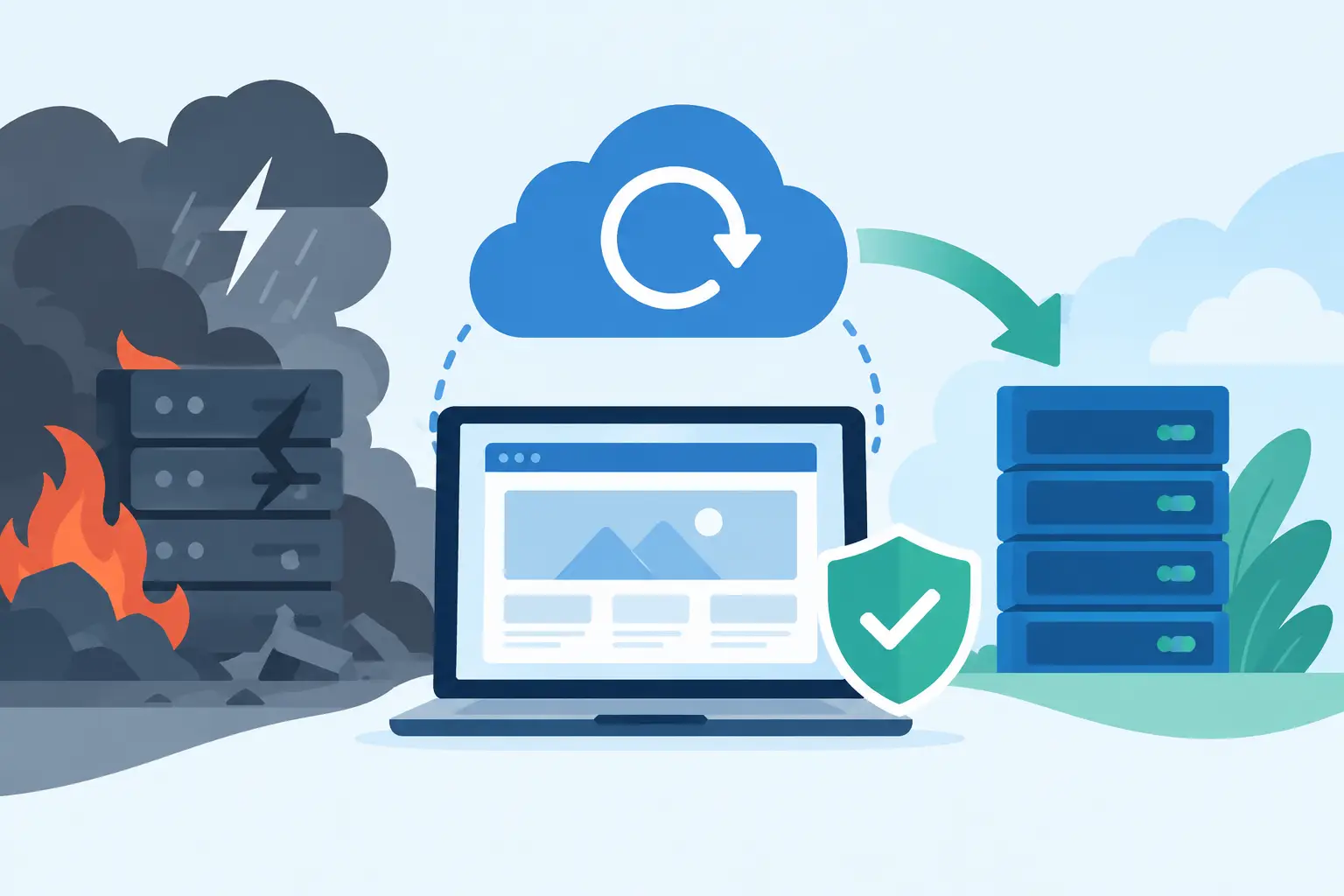
Website Disaster Recovery Planning Guide
A website outage rarely waits for a convenient time. It can happen during a product launch, after a software update, in the middle of a busy sales day, or when a renewal notice was missed. This website disaster recovery planning guide helps business owners prepare for those moments before lost orders, unanswered customer emails, and damaged trust begin to add up.
Disaster recovery is not only about restoring a homepage. A useful plan accounts for the services customers and employees rely on: website files, databases, domain names, DNS records, SSL certificates, email, payment and ecommerce connections, and the people authorized to act. The goal is simple: restore the right services in the right order, with clear decisions already made.
What Website Disaster Recovery Planning Covers
A disaster recovery plan is the written process for bringing your online presence back after a serious interruption. That interruption may be a hosting failure, accidental deletion, malware, a failed plugin update, a database error, an expired domain, or a staff member losing access to a critical account.
Backups are a major part of the plan, but they are not the plan by themselves. A backup that is incomplete, stored only in the affected account, or never tested can create a false sense of security. Recovery planning defines what must be protected, where copies are kept, how quickly each system needs to return, and who communicates with customers while work is underway.
For a local professional firm, a few hours without a brochure website may be inconvenient but manageable. For an online seller, the same outage can mean abandoned carts, support requests, advertising spend sent to an unavailable page, and lost revenue. Recovery priorities should reflect the real cost of downtime for your business.
Set Recovery Targets Before an Incident
Two practical targets make recovery decisions much easier: recovery time objective and recovery point objective.
The recovery time objective, often called RTO, is the longest acceptable time a service can remain unavailable. An ecommerce checkout may need to return within an hour or two. A downloadable archive or internal reporting tool might tolerate a longer interruption.
The recovery point objective, or RPO, identifies how much recent data you can afford to lose. If orders enter a database all day, restoring a backup from the previous night could leave several hours of orders missing. A business with frequent transactions needs more frequent database backups, transaction exports, or another process for reconciling orders after restoration.
Write these targets down by service. Avoid assigning every system the same urgent target. Fast recovery generally requires more frequent backups, better documentation, and more active monitoring. Those resources are worth prioritizing for revenue-producing pages, customer data, email, and checkout functions, but may be unnecessary for lower-value content.
Create an Inventory of What Must Be Restored
Many recovery efforts slow down because the team remembers the website but overlooks the services around it. Build a current inventory and keep it outside the hosting account, such as in a secured company document system.
Your inventory should identify the domain registrar and renewal contact, DNS provider, hosting account, control panel access, CMS administrator accounts, database names, email mailboxes, SSL certificate details, payment processor credentials, third-party integrations, and analytics or advertising tags. Record account owners, recovery email addresses, and where multi-factor authentication codes or emergency recovery methods are managed.
For each site, note the technology that affects restoration. A WordPress site may rely on its core files, theme, plugins, uploads folder, and MySQL database. A Windows application may depend on .NET settings and an MS SQL database. A custom application may need PHP versions, scheduled tasks, API keys, or server configuration values. These details do not need to be overly technical, but they must be accurate enough for your web professional or hosting support team to act quickly.
Put Domain and DNS Records Near the Top
A perfectly restored site will still be unreachable if its domain has expired or its DNS records point to the wrong place. Maintain renewal reminders for domains and payment methods, and verify that at least two trusted people can access the registrar account.
Keep a copy of essential DNS records, including website, mail, verification, and service records. Before making a major DNS change, document the existing entries. This makes rollback far faster if an email or website configuration change goes wrong.
Build a Backup Strategy You Can Actually Restore
A sound approach uses more than one backup copy and keeps at least one copy separate from the production environment. Daily backups are a strong foundation for many business websites, but frequency should increase when the database changes constantly or when customer files are uploaded throughout the day.
Protect website files and databases together. Restoring files without the matching database can produce missing products, broken pages, outdated content, or login errors. Also protect mailbox data when email continuity matters, particularly for firms that conduct client work and approvals through email.
Retention matters as much as frequency. Malware or damaged files may not be noticed immediately. Keeping only the newest backup can leave you with a copy that already contains the problem. Retain several recovery points so you can restore from before the incident, while balancing storage requirements and data-handling obligations.
A managed hosting environment with daily backups, account isolation, and server-level security protection reduces operational risk, but the business should still know what is covered, how far back backups are retained, and how to request a restore. Knight Web Services can provide the managed hosting foundation and live support businesses need, while your internal plan supplies the priorities, access details, and approval process.
Define Roles and an Incident Communication Plan
During an outage, uncertainty is expensive. Assign a primary incident owner and at least one backup who can approve restores, contact support, and make customer-facing decisions. Identify your hosting contact, web developer or agency, marketing lead, ecommerce manager, and any person responsible for domain or payment accounts.
Your plan should state who has authority to take a site offline if malware is suspected, who can authorize restoring an older backup, and who checks whether new orders or form submissions must be reconciled afterward. Do not rely on one employee’s personal email address or phone for all access and approvals.
Prepare short message templates before they are needed. One internal message can tell staff what is affected, what workarounds are available, and when the next update will arrive. A customer message should be factual: acknowledge the interruption, avoid guessing at a recovery time, and direct customers to an available support channel if appropriate. For a store, consider a temporary status page or social update only if it gives customers useful information.
Test the Plan Without Waiting for a Failure
A recovery plan becomes reliable through testing. At least once or twice each year, perform a controlled restore of a representative website to a safe location or staging environment. Confirm that the site loads, forms work, database content appears as expected, administrative login works, and ecommerce functions can be checked without placing live orders.
Testing often uncovers practical problems: a backup excludes uploads, a password is stored in an inaccessible vault, a plugin requires a license key, or a DNS record was never documented. Update the plan immediately after each test. Include the date, who performed it, how long recovery took, and what had to be fixed.
Also test people, not just systems. Run a short tabletop exercise: a staff member reports that the site is showing an error, orders cannot be placed, or the domain is not resolving. Ask who is contacted first, which account is used, what backup point is selected, and who informs customers. This takes little time and exposes unclear responsibilities before they become an urgent problem.
Use a Recovery Checklist During the Incident
When an incident occurs, begin by recording the time, symptoms, recent changes, and services affected. Preserve useful evidence before changing settings, especially if malware or unauthorized access is possible. Then notify the assigned owner and hosting support contact.
Restore in business order. First, secure access and stop the issue from spreading. Next, return the website and critical database services. Then verify DNS, SSL, email delivery, forms, checkout, and integrations. Finally, compare transactions or submissions since the last recovery point and follow your reconciliation process.
Do not declare recovery complete just because the homepage appears. Test from a visitor’s perspective on desktop and mobile. Submit a form, check key product pages, verify that secure pages load correctly, and confirm that business email is sending and receiving. Monitor closely after restoration, because cached content, background jobs, and third-party services can reveal problems later.
A practical disaster recovery plan gives your business a calmer way to handle a stressful event. Keep it current, test it on a schedule, and make sure the people responsible can reach both the documentation and the support team when it matters most.