Email Deliverability...
Email Deliverability for Businesses Explained
Email Deliverability for Businesses Explained
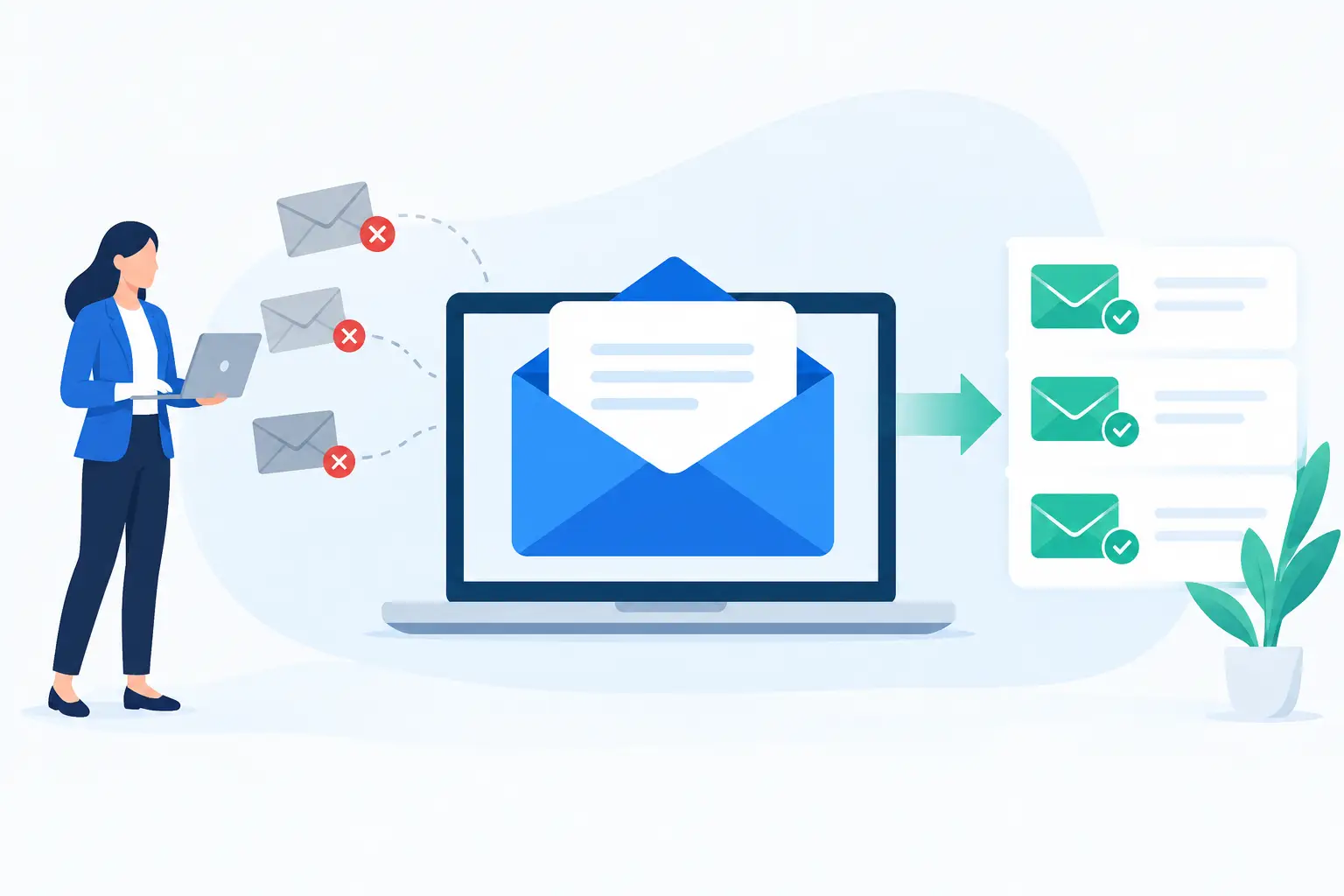
A proposal, order confirmation, password reset, or customer reply has little value if it lands in spam or never arrives. Email deliverability for businesses is the work of earning trust with receiving mail systems so legitimate messages reach the inbox consistently. It affects sales follow-up, customer service, appointment reminders, invoices, and every other message your company depends on to keep work moving.
Delivery and deliverability are related but not identical. Delivery means a receiving server accepted the message. Deliverability means the message reached the inbox rather than a spam folder, promotions tab, quarantine, or rejection notice. A message can be delivered successfully and still be missed by the recipient.
Why email deliverability for businesses matters
For a small or midsize business, poor deliverability creates problems that can look unrelated at first. A prospect may seem unresponsive because a quote went to spam. A customer may call support because a receipt never appeared. Employees may miss legitimate replies when business email is overwhelmed by junk mail or misconfigured filtering.
The cost is not only lost messages. Repeated email problems weaken confidence in your company. Customers expect order updates, renewal notices, and support responses to arrive without requiring them to search a spam folder. Professional email from your own domain also supports the credibility of your website and brand.
Deliverability is not something a hosting provider or an email platform can guarantee by itself. Inbox providers evaluate each sender based on authentication, sending behavior, recipient engagement, message content, and reputation. Dependable business email hosting gives you the foundation to manage these factors, but your company’s practices determine much of the outcome.
Start with your domain and authentication
Every business should send company email from a domain it owns and controls, such as name@yourcompany.com. Free consumer addresses may be convenient for an individual, but they offer less brand consistency and make it harder to establish a controlled sending identity across employees, website forms, billing tools, and marketing platforms.
The next step is email authentication. Three DNS-based standards matter most: SPF, DKIM, and DMARC.
SPF identifies the servers and services permitted to send email for your domain. It helps receiving systems recognize whether a message came from an authorized source. DKIM adds a signed identifier to outgoing messages so recipients can verify that the message was sent by an approved domain and was not altered in transit. DMARC ties these checks together and tells receiving systems how to handle messages that fail authentication. It also provides reporting that can reveal unauthorized use of your domain.
These records must match the services you use. If your staff sends through your business mailbox provider, your website sends form notifications, and your marketing system sends newsletters, each legitimate source needs to be considered. A common mistake is publishing an SPF record for one service and accidentally excluding another. Another is enabling a strict DMARC policy before all approved systems have been properly configured.
This is an area where careful DNS management matters. Start with monitoring or a cautious DMARC policy, review the reports, and tighten enforcement when you are confident legitimate mail is aligned. If your business has limited technical resources, ask for help rather than copying records from an unrelated setup guide.
Protect the reputation of your sending domain
Mail providers watch patterns over time. A domain that sends wanted, authenticated messages to engaged recipients develops a stronger reputation than one that generates complaints, bounces, and ignored campaigns. Reputation is earned gradually and can be damaged quickly.
Use separate sending streams when the volume justifies it. Transactional messages, such as receipts, account notices, and password resets, should not share the same reputation risk as a large promotional campaign. Your email platform may handle this separation through different subdomains or sending systems. The right approach depends on your tools and volume, but the principle is straightforward: essential customer messages should be protected from marketing-related problems.
New domains and new sending platforms deserve special care. Do not send a major campaign immediately after creating a domain or moving to a new service. Begin with smaller groups of recipients who expect your messages and are likely to engage. Increase volume steadily as performance remains healthy. Sudden spikes in volume can look suspicious, even when the sender’s intentions are legitimate.
Also keep an eye on basic indicators: hard bounces, spam complaints, unsubscribe rates, delivery failures, and open or click patterns where available. No single metric tells the full story. A low open rate may reflect privacy controls or a weak subject line, while a sharp rise in bounces usually calls for immediate list cleanup.
Build lists based on permission, not volume
The fastest way to hurt deliverability is to email people who did not ask to hear from you. Purchased lists, scraped addresses, and old contact databases may appear to offer reach, but they commonly contain invalid addresses, spam traps, and people with no relationship to your business. The short-term volume is rarely worth the long-term reputation damage.
Collect addresses through clear, specific permission. Tell people what they are signing up to receive, whether that is product updates, service reminders, industry news, or occasional offers. For marketing email, a confirmed opt-in process provides an added layer of proof and helps reduce invalid signups.
Remove or suppress addresses that consistently bounce. Give inactive subscribers a chance to confirm interest before continuing to send them frequent campaigns. An inactive customer is not automatically a bad address, especially for seasonal businesses or long buying cycles. Still, repeatedly mailing people who never engage can reduce the quality signals associated with your campaigns.
Make unsubscribing simple and honor requests promptly. Hiding the unsubscribe option does not preserve a list. It often encourages recipients to mark messages as spam instead, which is worse for your reputation.
Send messages people recognize and want
Strong deliverability is closely tied to a useful customer experience. Use a recognizable sender name and a consistent From address. If your company is Knight Web Services, for example, messages should not suddenly appear from an unfamiliar personal address or unrelated domain. Recipients should know who is contacting them before they open the email.
Write subject lines that accurately reflect the content. Avoid deceptive urgency, excessive capitalization, and punctuation meant to force attention. Spam filters are more sophisticated than simple keyword checks, but exaggerated language and misleading practices still produce poor engagement and complaints.
Keep your email design practical. A message made entirely from one large image may be difficult for filters and recipients to interpret. Include readable text, a plain-text alternative, and a physical business address where required for commercial email. Test how messages display on mobile devices, where many customers read business email first.
Website-generated messages deserve the same attention. Contact forms, ecommerce receipts, account confirmations, and booking notifications should use a valid, authenticated sending address. Configure reply handling so customer responses reach a monitored mailbox. A no-reply address can be appropriate for some automated notices, but it should not become a barrier when a customer needs assistance.
Keep business email secure and well maintained
Compromised mailboxes can destroy a domain’s reputation in hours. An attacker who gains access to an employee account may send phishing messages or thousands of spam emails before anyone notices. Use strong unique passwords, enable multi-factor authentication where available, and remove access promptly when staff roles change.
Review forwarding rules and mailbox activity regularly. Unexpected forwarding, unfamiliar login locations, or a sudden increase in outbound mail can signal an account issue. For organizations with several employees, establish a simple process for reporting suspicious messages and confirming unusual payment or account-change requests.
Your hosting environment also plays a role. Business email should operate on managed infrastructure with server-level security protections, account isolation, dependable DNS, and responsive support when a configuration or account problem needs attention. Daily backups and a stable hosting environment protect the website and systems connected to your email operations, although backups do not replace proper mailbox security or authentication.
Know when to investigate
Treat a deliverability decline as an operational issue, not a one-time annoyance. Check whether the problem affects every recipient or only one provider. Review bounce notices for the actual rejection reason. Confirm that DNS records remain correct after a website migration, domain change, or email-service update. Then examine recent sending changes, list imports, new forms, and account activity.
If only one customer is missing messages, their mailbox rules or corporate filter may be the cause. If many recipients at different providers are affected, the issue is more likely related to authentication, reputation, or sending practices. The answer depends on the evidence, which is why retaining message headers and bounce details is useful.
Reliable email is built through steady, disciplined choices: authenticate every legitimate sender, protect mailboxes, send to people who expect your messages, and address warning signs early. When email supports the same standard of reliability as your website and domain, customers can reach you, trust your communications, and continue doing business without unnecessary friction.