Checkout Outage Reco...
Checkout Outage Recovery That Protects Sales
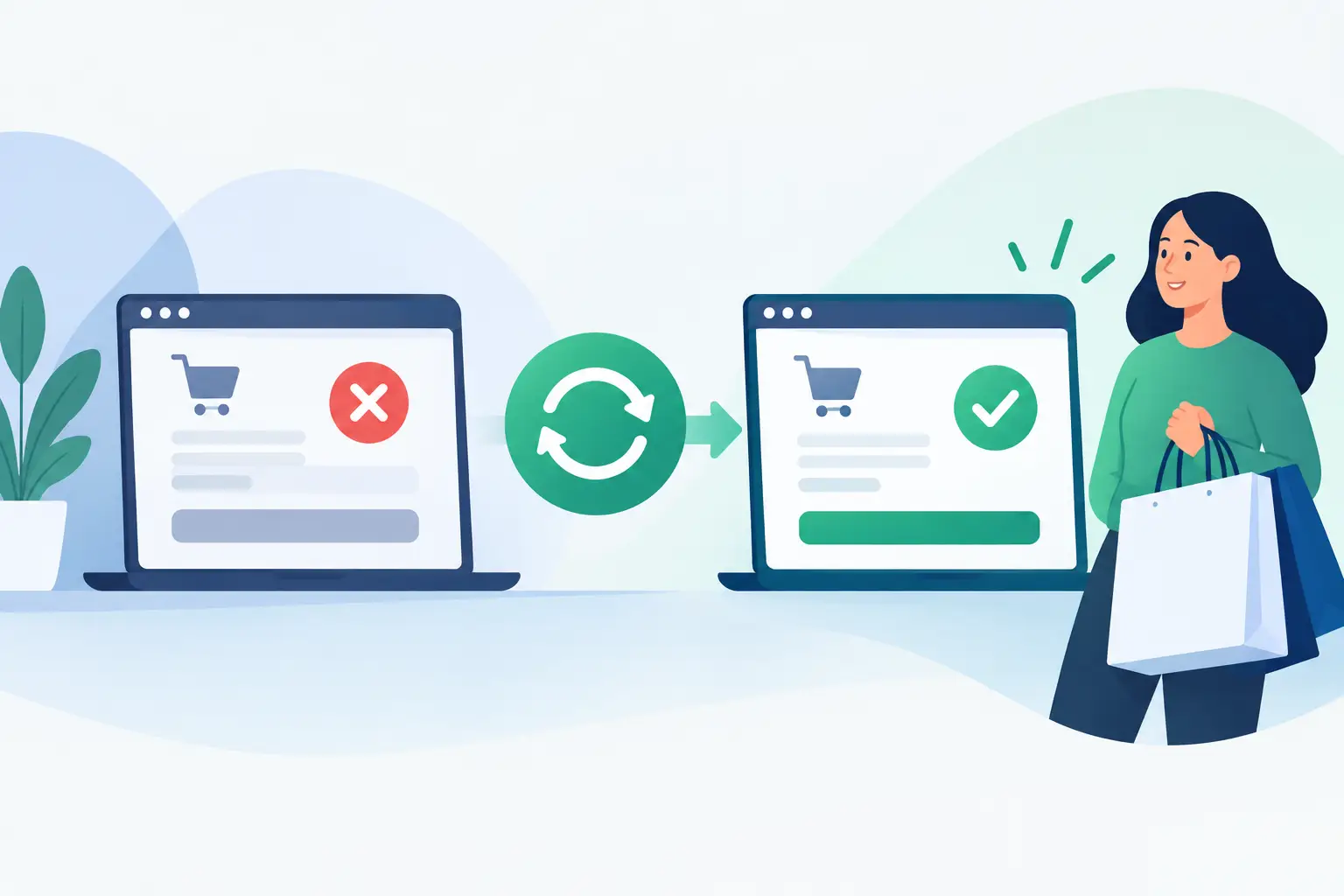
Checkout Outage Recovery That Protects Sales
A customer who reaches the final payment screen has already done the hard part: they found your business, selected a product or service, and decided to buy. When that screen fails, checkout outage recovery becomes a revenue-protection task, not simply an IT ticket. The priority is to restore a trusted path to payment quickly, preserve order data, and give customers a clear answer before they decide to purchase elsewhere.
For a small business, a checkout interruption can be caused by a hosting issue, expired SSL certificate, payment gateway disruption, plugin update, DNS change, database failure, or traffic spike. The right response depends on the cause. What should not change is the discipline of the response: identify the scope, stabilize the store, communicate clearly, verify every affected order, and document what needs to be improved.
Start Checkout Outage Recovery With Scope, Not Assumptions
A checkout page that appears broken to one person may not be unavailable to every customer. Before changing settings or rolling back updates, test the complete purchase path from more than one device and network. Add an item to the cart, proceed to checkout, submit a test transaction when possible, and confirm whether the order confirmation page and email receipt are generated.
Determine whether the failure affects the whole site, only the cart or checkout, a particular payment method, or customers in a specific location. If the website is unreachable, check the domain’s DNS status, hosting account status, SSL certificate, and recent server notices. If product pages load but payment fails, focus first on the gateway connection, payment extension, API credentials, webhooks, and recent ecommerce platform changes.
This distinction matters. Restarting work on the wrong layer can extend the outage. A gateway provider may be experiencing an external service interruption, for example, while your website and hosting environment are functioning normally. In that situation, changing your database or restoring the entire website could create a second problem without restoring payments.
Keep a simple incident record as you investigate. Note when the issue was first reported, the exact error message, which checkout methods fail, recent changes, and each corrective action. This gives your technical contact or hosting support team useful facts instead of a vague report that the store is down.
Stabilize the Store Before Making Major Changes
When checkout is failing, resist the urge to make several changes at once. Disable a recently added extension, reverse the most recent configuration change, or switch to a known working payment method only when evidence points there. Make one controlled change, test again, and record the result.
If a plugin, theme, or custom code update is suspected, a staging environment is the safest place to confirm the conflict. Not every business has a staging copy ready, especially during a first incident. In that case, a current daily backup can provide a recovery point, but restoring a full site should be a deliberate decision. A full restoration may remove products, content, customer records, or orders created after the backup was made.
For stores with active order volume, selective repair is often preferable when possible. A qualified administrator may be able to replace a damaged file, correct a setting, repair a database table, or roll back a single extension. The trade-off is that selective recovery requires more technical certainty. If the store has been compromised, files are corrupted broadly, or the source of the problem cannot be trusted, a clean backup restoration may be the safer business decision.
Reliable hosting helps reduce the time spent finding the source. Cloud hosting, daily backups, account isolation, server-level protection, SSL management, and live support give a business more recovery options than an unmanaged environment where the owner must diagnose every layer alone.
Communicate While the Fix Is Underway
Silence turns a short technical interruption into a confidence problem. If customers can reach your website but cannot complete payment, post a brief, factual notice near checkout or on the site header. State that the team is aware of the issue and that payment processing is being restored. Do not speculate about causes or promise a restoration time you cannot support.
For a longer event, use the communication channels you already control, such as a customer email list or social media account. Keep the message focused on the customer: orders placed before the issue remain under review, no action is needed unless the customer hears otherwise, and an alternative contact method is available for urgent purchases.
Do not ask customers to resend card details through email, chat, or a contact form. If you offer an alternative route, it should be a secure payment link, an approved invoice process, or another established payment method. Protecting payment information remains essential even when speed is the immediate concern.
Verify Orders After Service Returns
Restoring the checkout page is not the end of the incident. The most expensive errors often occur in the gap between a customer’s attempted payment and the store’s order record. A customer may see an error page after a payment authorization succeeded, or they may retry and accidentally create a duplicate charge.
Compare three sources: your ecommerce order list, your payment processor’s transaction records, and customer support messages received during the outage. Look for paid transactions without corresponding orders, pending authorizations, duplicate payments, abandoned carts at the time of the incident, and orders marked failed that later completed.
Where a payment was captured but the order is missing, create the order manually only after verifying the customer, items, delivery details, taxes, and payment status. Where a duplicate charge occurred, communicate promptly and process the appropriate refund according to your payment procedures. A clear message that acknowledges the issue and explains the correction can preserve a customer relationship that a silent refund may not.
Test the restored checkout again using each active payment method. Confirm inventory updates, shipping calculations, tax rules, confirmation emails, customer account records, and payment notifications. A successful card authorization alone does not prove the full commerce workflow is operating correctly.
Build a Recovery Plan Before the Next Incident
The best checkout outage recovery process is prepared before anyone sees an error message. Assign clear roles, even if the same person fills more than one role. One person should own customer communication, another should have access to the hosting control panel and backups, and a designated technical contact should be authorized to work with hosting and payment support.
Keep current credentials and recovery contacts in a protected password manager. Include your domain registrar, DNS provider, hosting provider, ecommerce platform, payment gateways, SSL certificate contact, and any developer responsible for custom work. If your domain, DNS, website hosting, email, and security services are scattered across several vendors, document which provider controls each part. During an outage, uncertainty about ownership costs time.
Your written plan should also define when to pause promotions or paid advertising. Continuing to send customers to a broken checkout wastes marketing spend and can increase support requests. Once the issue is resolved and tested, restart campaigns gradually and monitor conversion activity closely.
At least quarterly, test a backup restoration process and perform a complete test order. Check that backups are recent, that the store can be restored to an isolated location, and that key contacts can reach live support outside normal business hours. Knight Web Services provides managed hosting, daily backups, security protections, and 24/7 live support so businesses have practical help available when continuity is on the line.
Reduce the Chances of a Repeat Failure
Most checkout failures leave behind a useful lesson. Review the incident within a few days while details are fresh. Ask what changed before the disruption, how long detection took, whether alerts worked, whether staff had the right access, and whether customers received a timely message.
Then make specific improvements. That may mean scheduling plugin updates outside sales peaks, renewing SSL certificates earlier, separating testing from production, enabling uptime monitoring for the checkout URL, removing an unreliable extension, or adding a second approved payment option. More payment options can help during a gateway-specific failure, but each added integration also requires updates, monitoring, and security review.
A checkout outage does not have to define the customer experience. A prepared business responds with accurate information, secure recovery steps, and careful order verification. Put those capabilities in place now, while the cart is working and every decision can be made without the pressure of lost sales.