How to Test Website...
How to Test Website Failover Without Surprises
How to Test Website Failover Without Surprises
A failover plan that has never been tested is an assumption, not protection. When a hosting server, database, DNS record, or third-party service has a problem, your customers will not judge the cause. They will see a site that will not load, a checkout that fails, or an email address that does not work. Knowing how to test website failover gives your business a controlled way to find those gaps before an actual outage puts revenue and reputation at risk.
For a small business website, failover testing does not need to mean taking your entire site offline during business hours. It means defining what should happen when a critical component fails, safely simulating that condition, and verifying that your website, data, email, and recovery process behave as expected.
What a Website Failover Test Should Prove
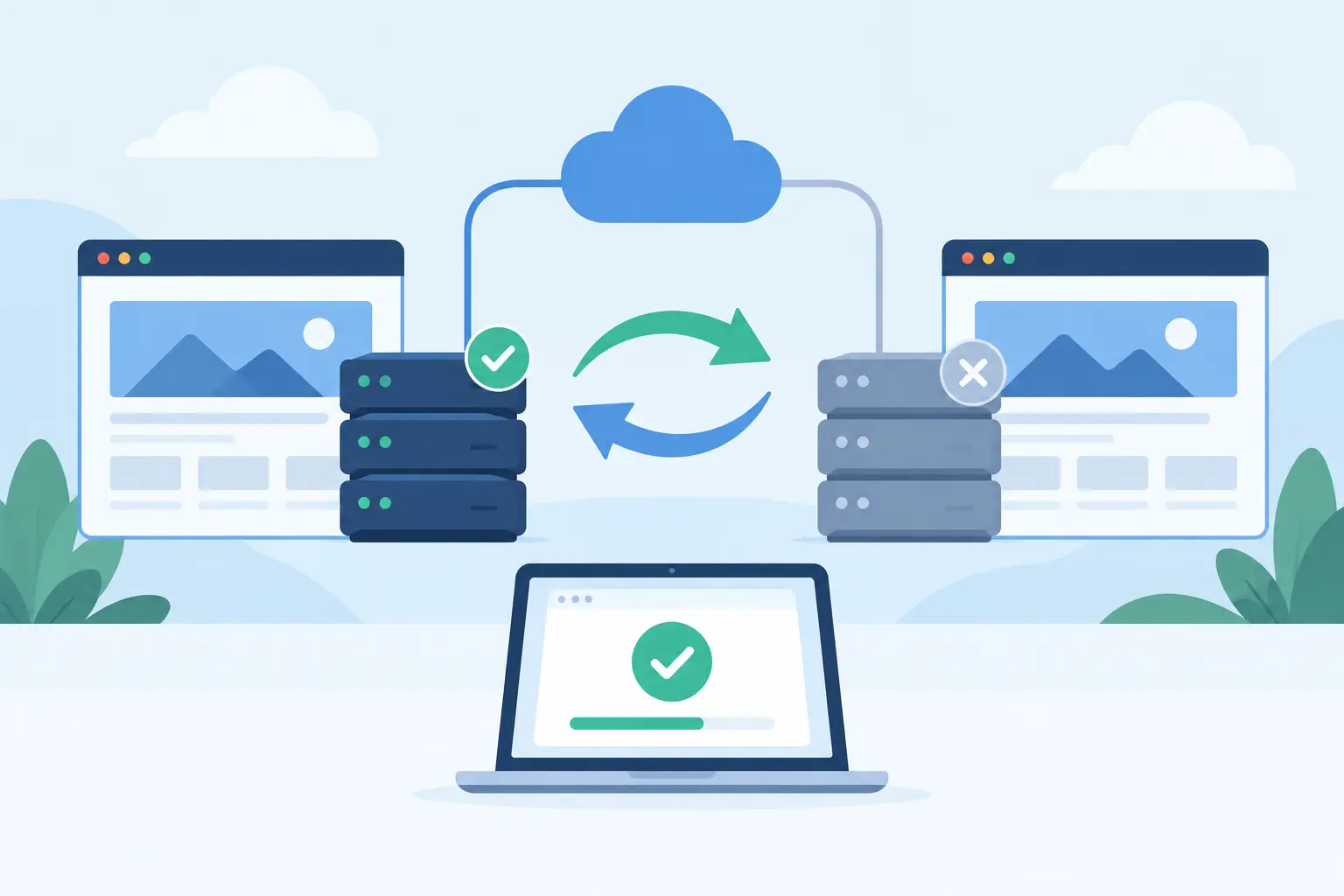
Failover is the process of moving a service from a failed system to a working one. Depending on your hosting setup, that may involve cloud infrastructure, a secondary application server, replicated databases, load balancing, DNS changes, or restoring a current backup to a separate environment.
The right test depends on the service you need to protect. A brochure website may only need to confirm that pages remain reachable and recent content can be restored. An ecommerce store needs a deeper test: product pages, inventory, shopping carts, payment processing, order confirmations, and customer emails all need attention. A professional firm may place greater weight on contact forms, appointment requests, and reliable business email.
A useful test proves three things. First, that the alternate path actually works. Second, that users can complete the actions that matter to your business. Third, that your team knows who will respond, what they will check, and when to communicate with customers.
Do not confuse a backup with failover. A backup protects recoverable data, but restoring it can take time and may involve some data loss after the backup point. Failover is designed to maintain or quickly restore availability. Many businesses use both because each handles a different risk.
Prepare Before You Simulate a Failure
A rushed test can create the disruption it was intended to prevent. Start with a written test plan that identifies the service being tested, the date and time, the people responsible, the expected outcome, and the condition that ends the test.
Define Your Recovery Targets
Set a recovery time objective, or RTO, for each critical service. This is the longest acceptable time the service can be unavailable. An online store may allow only minutes of disruption during a promotion, while a less active marketing site may have a longer window.
Also define a recovery point objective, or RPO. This is the amount of recent data you can afford to lose. If your site takes orders throughout the day, restoring a backup from the night before may not meet your RPO. Be specific about whether orders, form submissions, database updates, uploaded files, and email messages are included.
Your test should measure actual results against these targets. “The site came back eventually” is not a passing result if checkout was unavailable for two hours or recent orders disappeared.
Map the Services Behind Your Website
Most website outages are not caused by a single webpage. They come from dependencies that are easy to overlook. Document where your domain and DNS are managed, where the site is hosted, where the database runs, how SSL certificates are renewed, and which providers handle payments, email delivery, analytics, and security services.
Then identify the failure points. A WordPress website may depend on PHP, MySQL, theme files, plugins, a caching layer, and a transactional email service. A Windows-based application may rely on IIS, ASP.NET, MS SQL, scheduled tasks, and an external API. Each dependency does not require a separate full-scale test every month, but each should be accounted for in your recovery plan.
Create a short contact list as part of this preparation. Include the person who can approve DNS changes, the website developer or agency, your payment provider contact process, and hosting support details. A recovery plan is less effective when access credentials or decision-makers cannot be found.
How to Test Website Failover in a Controlled Window
Schedule the first test during a lower-traffic period, but avoid a time when no one can observe the results. Tell the people who need to know, including your web team, customer service lead, and any agency responsible for the site. If the test could affect customers, prepare a short status message before you begin.
Use a staging environment whenever possible. A staging copy lets you test restoration, configuration, and application behavior without changing the production website. However, staging alone cannot confirm that live DNS, SSL, payment settings, or production traffic routing will work. Mature plans often use staged tests for frequent checks and carefully controlled production tests on a scheduled basis.
A practical failover test follows five actions:
- Record a baseline before the test. Load key pages, submit a test contact form, log in to administrative areas, place a test order if applicable, and note the current time. Confirm that backups are completing and that monitoring alerts are active.
- Introduce the planned failure. This might mean disabling a nonproduction server, directing a test hostname to a secondary environment, removing one node from a load-balanced pool, or performing a documented DNS switch. Do not improvise by deleting files, changing production database settings, or disabling security controls.
- Confirm that the alternate environment takes over. Check the homepage, a selection of internal pages, mobile display, HTTPS access, login functions, database-driven content, and search. For ecommerce, test the full customer path through a low-value or sandbox transaction.
- Test communications and connected services. Submit a form and confirm that it reaches the intended mailbox. Check transactional messages such as order receipts and password resets. Verify that payment, shipping, scheduling, CRM, and other connected services still receive the correct information.
- Return to normal operation and validate again. A switch back, sometimes called failback, deserves the same care as the initial failover. Confirm that no new transactions were lost, duplicate emails were not sent, and cached pages are showing current content.
During the test, record timestamps instead of relying on memory. Note when the failure was introduced, when monitoring detected it, when traffic shifted, when key functions passed, and when normal service resumed. These details reveal whether the technical process and the human response process are both meeting expectations.
Verify DNS, SSL, and Caching Behavior
DNS is often the difference between a quick recovery and a confusing one. If your failover process depends on changing DNS records, review the time-to-live, or TTL, setting in advance. A shorter TTL can help changes propagate sooner, but it also means DNS records are queried more frequently. The best setting depends on your traffic, DNS provider, and operational needs.
Test from more than one network when possible. Your office connection may show the new destination while a mobile connection or customer network still sees the old one due to cached DNS information. Check both the www and non-www versions of your domain, and verify any subdomains used for stores, customer portals, or applications.
SSL requires separate verification. The failover destination must present a valid certificate for the domain customers use. Browser warnings can stop a visitor before they ever see your recovery site. Confirm that secure pages load correctly and that redirects do not send visitors into a loop.
Caching can hide problems as well as reduce load. Clear or account for website, server, CDN, and browser caches during the test. Otherwise, a page that appears available may simply be an old cached copy, while dynamic features such as checkout or login remain unavailable.
Test the Business Functions, Not Just the Homepage
A homepage loading successfully is a useful first check, but it is not a complete pass. Test the actions that create revenue, leads, and trust for your organization.
For an ecommerce business, that generally includes product search, inventory visibility, cart updates, shipping calculations, payment authorization, tax calculation, order confirmation, and order notifications. For a service business, test forms, appointment scheduling, document uploads, phone links, and notifications to the correct team members. If your site includes a customer portal, verify that users can sign in and access the right data without seeing stale or mixed account information.
Database consistency needs special attention. If your primary and secondary systems replicate data, determine whether replication is current before the test and whether writes during the failover are handled correctly. If the recovery process uses backups instead, verify the backup date and the process for restoring files and databases together. Restoring only website files without the matching database can leave a site broken or out of date.
Email should be included when it supports customer communication. Website hosting, domain DNS, and business email may be separate services, so a website failover does not automatically prove that email will continue working. Send and receive messages from an external account, check shared mailboxes or forwarding rules, and confirm that SPF, DKIM, and DMARC records remain correct if DNS is part of the change.
Review the Results and Improve the Plan
After the test, bring together the people involved while the details are fresh. Compare the observed recovery time and data state to your RTO and RPO. Identify what worked, what required manual intervention, and what would have delayed recovery during a real event.
Common improvements include updating outdated credentials, lowering a DNS TTL before a planned maintenance window, adding monitoring for a missed dependency, documenting a plugin or database setting, or clarifying who has authority to initiate a failover. Small corrections are valuable because they reduce uncertainty when time is limited.
Set a testing schedule that matches the risk. A business with frequent online sales, major seasonal demand, or regular site changes may need quarterly tests and checks after significant updates. A stable informational site may conduct a full test annually, while still checking backups and monitoring more often. Test after changes to hosting architecture, DNS providers, payment systems, major plugins, or application code.
Dependable hosting, daily backups, managed DNS, and responsive support provide a stronger foundation, but continuity also depends on preparation. Knight Web Services can help businesses keep critical hosting, domain, email, and security services organized under an established support team. The most useful next step is simple: schedule a controlled test before your customers are the ones who discover what happens when a system fails.