How to Set Up Domain...
How to Set Up Domain Forwarding for Business
How to Set Up Domain Forwarding for Business
A customer types your alternate domain, an old company address, or a campaign-specific URL into a browser. They should arrive at the right page immediately – not see an error, a parked page, or a confusing duplicate version of your site. When you set up domain forwarding correctly, every domain you own can support your business rather than create a dead end.
Domain forwarding is a practical tool for businesses that manage more than one web address. It can preserve traffic after a rebrand, make advertising easier to measure, protect common misspellings, and direct visitors from a memorable domain to the website you use every day. The key is choosing the right forwarding method and testing it before customers rely on it.
What Domain Forwarding Does
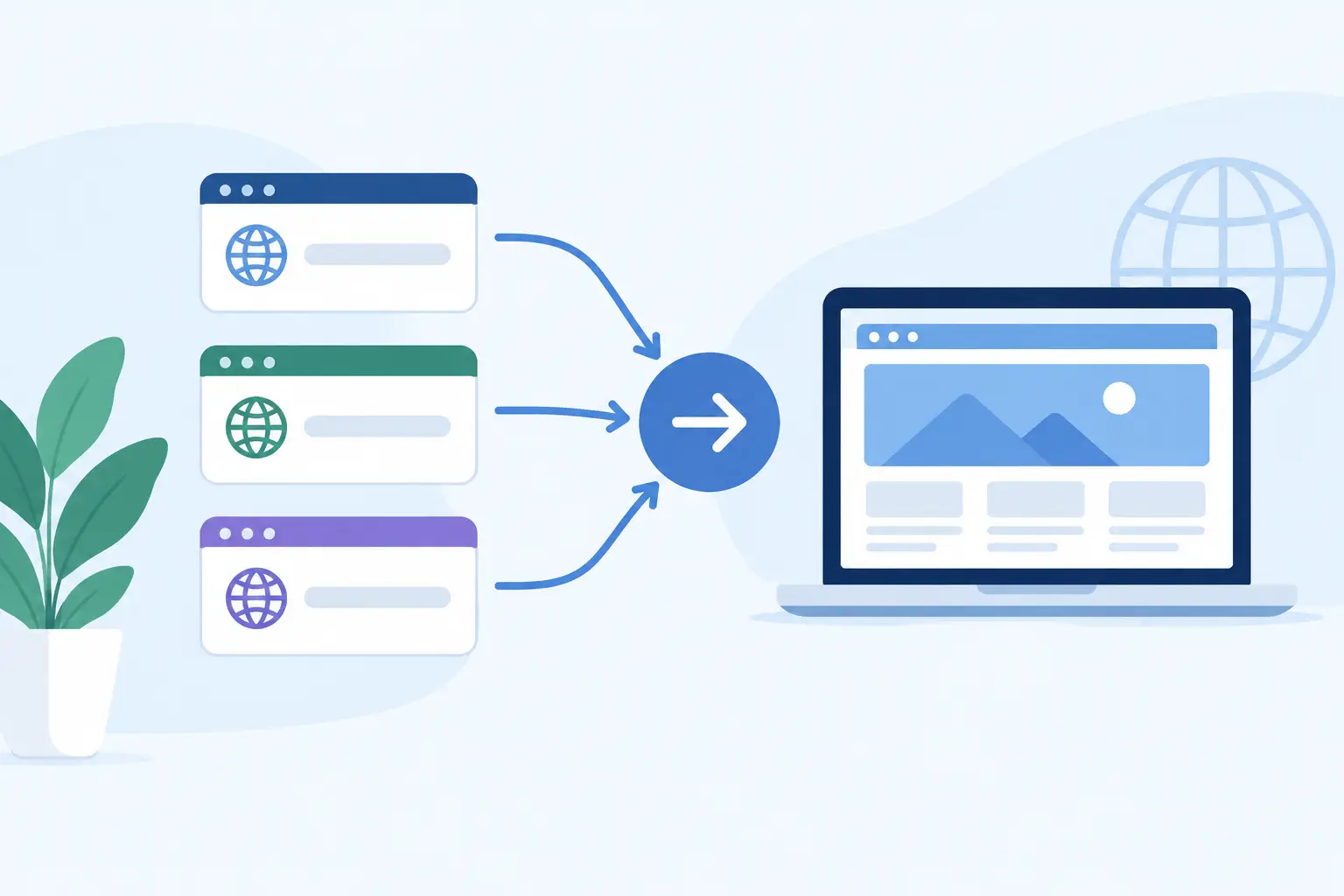
Domain forwarding, also called URL forwarding or URL redirecting, sends someone who visits one domain name to another web address. For example, a business might forward `yourcompany.net` to `yourcompany.com`, or point `springpromo.com` to a specific promotion page on its primary website.
The forwarding domain does not need its own website content. Instead, the web server returns a redirect response that tells the visitor’s browser where to go. In most cases, the destination page loads so quickly that the visitor simply sees the new address in the browser.
This differs from DNS management, although both are managed alongside domains. DNS records tell browsers and email systems where to find services such as websites and mail servers. A domain forward is an HTTP-level instruction for web visitors. Changing an A record or CNAME record does not automatically create a proper web redirect, especially when you need visitors to land on a specific page.
When Businesses Should Set Up Domain Forwarding
A forward is useful when there is one clear destination for traffic. A law firm that moved from an older name to a new brand can send the old domain to its current site. An ecommerce store can use a short domain on print materials and forward it to a seasonal collection. An agency can forward a client-owned domain to a newly launched site while the client retains ownership of the address.
It is also a sensible way to protect your primary web presence. If your business owns common extensions, such as the .net or .org version of its .com, forwarding them reduces the chance that customers reach an unrelated site after a typing mistake. A redirect will not stop every form of impersonation, but it helps establish a consistent path to your official website.
Forwarding is not always the right answer. If two domains represent genuinely separate brands, locations, or product lines that need independent search visibility and content, each may need its own website. Likewise, email requires its own configuration. Forwarding a domain to your website does not forward messages sent to addresses at that domain.
Choose the Right Redirect Type
The redirect type affects browsers, search engines, and long-term maintenance. For a permanent business change, use a 301 redirect. It tells search engines and repeat visitors that the move is intended to last. This is normally the appropriate choice when consolidating an old domain under your established primary domain.
A 302 redirect is temporary. Use it for a limited campaign, an event page, a short-term promotion, or a site that will return to its original address. Because the signal is temporary, search engines may continue treating the forwarding domain as the primary location.
Some control panels may offer a 307 or 308 option. These are more specific HTTP redirect codes. A 308 is the permanent counterpart often used where preserving the original request method matters, while a 307 is its temporary equivalent. For most business-domain forwarding needs, the practical decision remains simple: choose permanent for a lasting move and temporary for a limited one.
Avoid forwarding with masking unless you have a specific reason and understand the trade-off. Masking keeps the forwarding domain visible in the browser while displaying content from another site. It can interfere with page sharing, analytics, browser behavior, and search indexing. It may also make visitors suspicious if the address bar does not match the site they expect to use. A standard, unmasked redirect is usually clearer and more dependable.
How to Set Up Domain Forwarding
Before making changes, decide exactly where the domain should send visitors. Use the complete destination address, including `https://` and any required page path. Forwarding `specialoffer.com` to `https://www.yourcompany.com/summer-sale/` is more useful than sending visitors only to the home page when the domain appears in a summer campaign.
Log in to the account where the forwarding domain is registered or managed. In the domain management area, select the domain and locate the forwarding, redirect, or URL forwarding settings. Enter the destination URL, choose whether the redirect is permanent or temporary, and select unmasked forwarding unless there is a documented reason to use masking.
Save the configuration, then allow time for the setting to become active. Changes can be immediate, but DNS-related updates and browser caching may make results appear inconsistent for a short period. Do not keep changing the setting if it does not appear instantaneously. First verify that the destination address was entered correctly and that the domain is using the provider’s forwarding service or the required nameservers.
At Knight Web Services, domain management tools and managed DNS make it possible to keep registration, DNS settings, renewals, and forwarding under one established provider. That arrangement can reduce handoffs when a business needs help confirming where a domain, website, or email service is managed.
Preserve the Full Path When It Matters
Consider whether a visitor should reach only one destination page or whether the remainder of the URL should carry through. Path forwarding is especially useful for a domain migration. If someone visits `oldbusiness.com/services/accounting`, ideally they should arrive at `newbusiness.com/services/accounting` rather than be dropped onto the new site’s home page.
Not every domain forwarding service supports path forwarding in the same way. Check the setting carefully, then test several internal pages. If preserving paths is essential for a larger site move, server-level redirect rules may offer more control than basic registrar forwarding.
Keep HTTPS Working
Visitors increasingly expect every website address to use HTTPS. If people enter `https://` before the forwarding domain, the forwarding service must be able to respond securely before sending them to the destination. A forwarding configuration that works only with `http://` can create warnings, failures, or an inconsistent customer experience.
Confirm that the forwarding domain supports HTTPS forwarding and that the destination site has a valid SSL certificate. This is particularly important for ecommerce, professional services, and any business that asks customers to submit a form, schedule an appointment, or make a purchase. The redirect itself should feel routine and secure.
Test the Forward Before You Promote It
A redirect is easy to configure and equally easy to overlook until a customer reports a problem. Test the domain in a private or incognito browser window, where old cookies and cached redirects are less likely to affect the result. Check both the version with `www` and the version without it, if both are intended to work.
Test from a mobile phone as well as a desktop browser. Many customers will encounter campaign domains through social posts, QR codes, email signatures, or mobile ads. Confirm that the final page loads over HTTPS, that the correct page appears, and that the browser address shows the destination you intended.
For a permanent migration, test several old URLs, not just the home page. Also inspect analytics after launch. A sharp rise in 404 errors may indicate that important pages were not mapped correctly. If paid ads use the forwarding domain, update the final URL settings and tracking records so reporting remains accurate.
Common Forwarding Problems to Avoid
Redirect loops are among the most common mistakes. They happen when Domain A forwards to Domain B and Domain B forwards back to Domain A, directly or through another address. A loop can also occur when a website-level redirect conflicts with a forwarding rule at the registrar. Map the intended route on paper first: each alternate domain should lead one way to the final canonical domain.
Another frequent issue is forwarding to a non-secure or incomplete destination. Use the final public address customers should see, not a temporary hosting URL, an internal test address, or a page that will soon be removed. If the destination is changed during a redesign, update the forward as part of the launch checklist.
Finally, keep the forwarding domain renewed. A domain that expires can stop forwarding, interrupt campaign traffic, and become vulnerable to registration by someone else. Enable renewal reminders and maintain current contact and payment information for every domain that represents your business.
A well-planned forward is quiet infrastructure: customers do not think about it because it gets them where they meant to go. That is the result worth aiming for whenever you add a domain, change a brand, or create a new path to your business online.